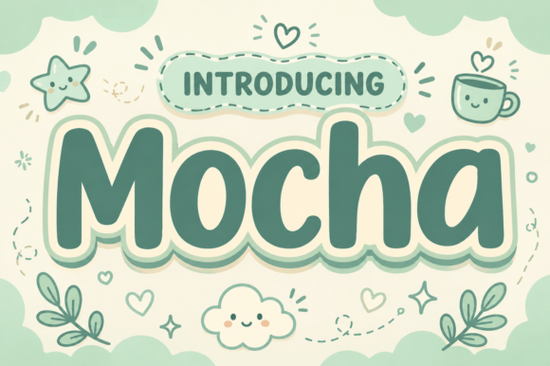
If you've been looking for a typeface that feels as warm and inviting as your favorite neighborhood café, Motcha could be exactly what your project needs. This display font features ultra-bold, pillowy letterforms with soft, rounded contours and clean geometry. It's cozy without being childish and bold without feeling aggressive the kind of typeface that wraps your headline in a visual warm hug. You can see more details and download it on the Motcha font product page.
What Makes This Font Feel So Warm and Inviting?
The charm comes from the details. Each letter has thick, rounded strokes that look almost inflated. There are no sharp corners or harsh angles anywhere. Everything flows with a pillowy softness that immediately makes viewers feel comfortable.
It also comes with a layered, cloud-like sticker outline in an earthy cream and sage-green palette. That single design touch gives it a café-inspired personality you rarely find in other bold display typefaces. If you're working on projects where you need the viewer to feel relaxed and welcomed, this font does the heavy lifting for you.
Where Does This Type of Font Work Best?
Not every typeface suits every purpose. Here's where this one really delivers:
- Coffee shop branding logos, menus, loyalty cards, and window signage
- Lifestyle packaging candle labels, food boxes, bath product wrappers
- Children's book titles covers and chapter headings that feel friendly
- Social media graphics Instagram headers, Pinterest pins, and story templates
- Print-on-demand products mugs, tote bags, greeting cards, and sticker sheets
The bold weight and rounded style keep it readable at larger sizes, which is exactly what you want from a display typeface used in headlines and branding. Designers working on cozy aesthetic branding or warm lifestyle packaging will find it especially useful.
What If You Need a Different Style?
Every project has its own personality, and sometimes you need a font that goes in a different direction. Here are a few options worth considering:
- Need something with more structure? A bold stacked typeface brings an architectural, industrial presence that works well for logos and signage with a stronger visual punch. You can also browse Brick Stacked to see its full character set.
- Want a hand-drawn feel? A sketchy doodle font adds casual, illustrated energy that's great for kids' products and informal branding. Doodle Line is a solid pick for that style.
- Looking for floral elegance? A floral display typeface brings feminine warmth to packaging and editorial layouts. Check out Bloomsy for that aesthetic.
- After a retro vibe? A vintage-inspired display font delivers nostalgic charm for retro branding. Back to Vintage captures that classic look beautifully.
Tips for Getting the Most Out of This Typeface
A few practical suggestions based on how designers typically use bold display fonts like this one:
- Pair it with a clean sans-serif for body text. It's built for headlines. Let it own the spotlight and use a simple font for longer paragraphs.
- Use it at larger sizes. Display fonts lose their personality when shrunk down. Keep it for titles, headers, and prominent text elements only.
- Play with the color palette. The cream and sage-green tones are part of its identity, but the letterforms look great in earthy browns, warm terracotta, soft pastels, or bold contrasting colors.
- Layer it for depth. The sticker outline effect creates opportunities for creative layering in design software like Photoshop, Canva, or Illustrator.
Quick Checklist Before You Start Designing
- Confirm your license covers your intended use commercial projects, print-on-demand, client work
- Test at the actual size you'll be using display fonts look very different at 24pt vs. 200pt
- Pick a complementary body font before finalizing your layout
- Download the full character set to check for special glyphs or alternates
- Keep a few similar display fonts in your toolkit so you have options for different project moods
Start by downloading Motcha and testing it in one small project a social media post, a label mockup, or a quick header design. Seeing how it behaves in your own workflow is the fastest way to know if it's the right fit for your creative toolkit.
Get Started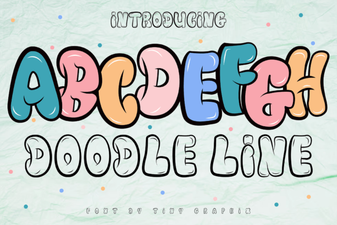 Doodle Line Font - Fun Hand-Drawn Display Typeface Free Download
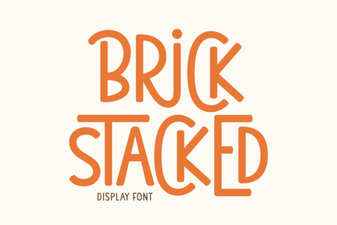 Brick Stacked Font: Bold Typography Ideas for Creative Projects
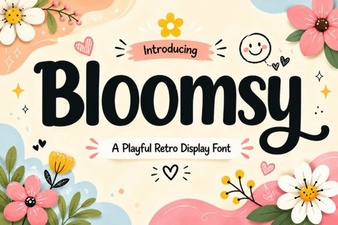 Bloomsy Font: a Charming Handwritten Typeface for Creative Projects
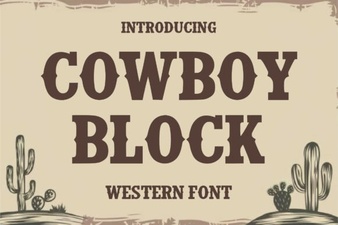 Cowboy Block Font: Bold Western Style for Creative Projects
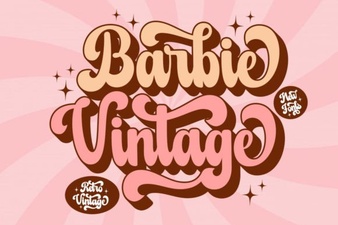 Barbie Vintage Font for Retro Design Projects and Creative Ideas
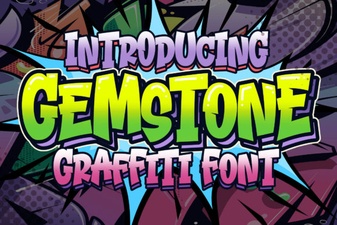 Gemstone Font - Elegant Display Typeface for Luxury Designs